Start with your track.
Load your audio and choose the visualizer you want to work with.
Turn your music into rings, waves and spectra. Style them in REVA, then export a transparent overlay for your video.
Watch how REVA visualizers sit inside finished music videos by REVA and Lodur.
Clean lines, bottom bars, filled waves — and more expressive styles when your track calls for them.

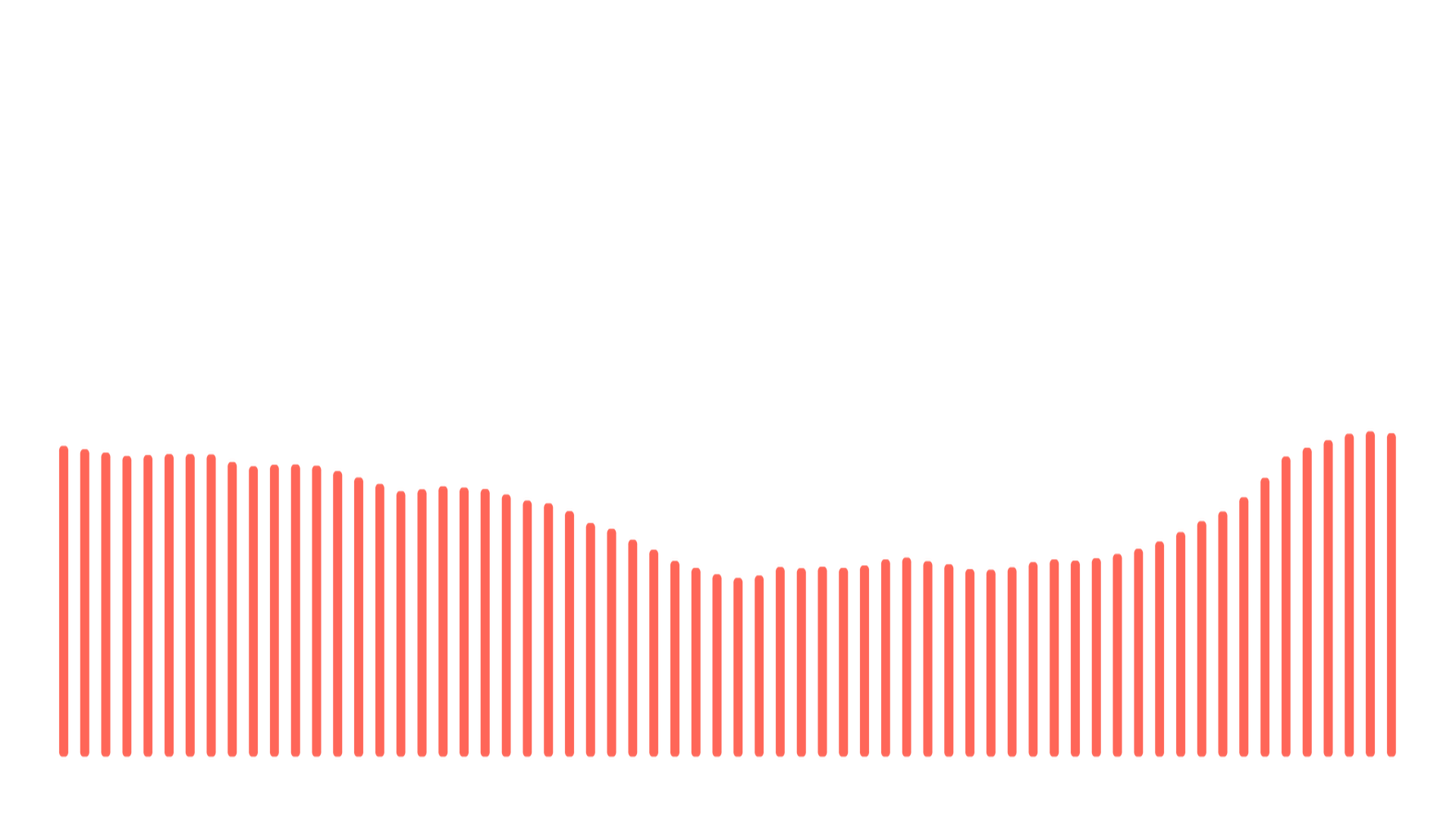
REVA exports silent alpha overlays in WebM VP9 or MOV ProRes 4444. Keep your artwork and music on separate tracks in your editor.
Load your audio and choose the visualizer you want to work with.
Set colors, gradients and glow. Preview the visualizer over your artwork.
Export a transparent overlay and place it over the footage in your video editor.
Your exported visualizer has no REVA watermark, including in the free edition.
Audio analysis and final rendering happen on your Windows computer, not on a Revalizer render server.
Use the core tool for free. Unlock the same advanced styles and export controls for $1.99/month or $19 lifetime.
Explore REVA, compare Free and Pro, and see the workflow before installing anything.
Report a bug, suggest a visualizer or tell us what you think. We can also help with installation and Pro access.
For a technical issue, include your REVA version, Windows version and a short description of what happened.